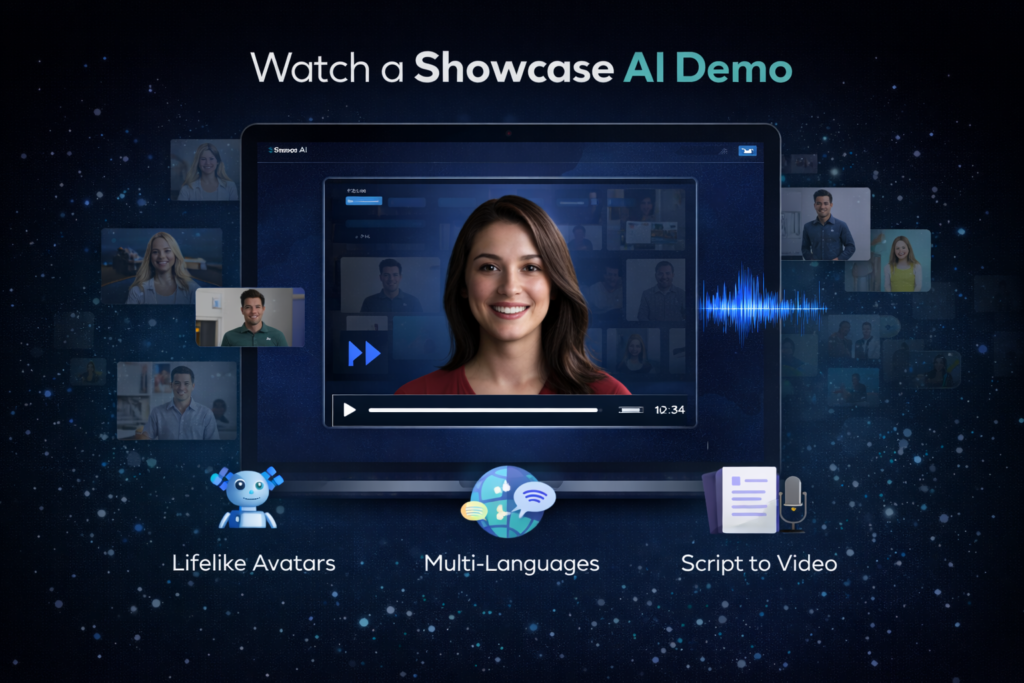
If you prefer seeing a tool in action before deciding, this Showcase AI demo page is for you.
On this page, you’ll find a walkthrough-style explanation of how Showcase AI works in real life, what happens behind the scenes, and what you should pay attention to while watching the demo video embedded below.
This is not a sales pitch.
It’s a practical look at the platform so you can decide for yourself if it fits your workflow.
If you want a complete analysis covering features, pricing, upgrades, and real-world use cases beyond this demo, you can read the in-depth Showcase AI review for a full overview.
Watch the Showcase AI Demo
👉 Demo Video:
This demo shows the real dashboard, real features, and real video generation process — not mockups or slides.
While watching, focus on:
- How simple the workflow is
- How fast videos are generated
- How little manual work is involved
What the Demo Actually Shows
The Showcase AI demo walks through the entire creation process from start to finish, including:
- Uploading an image
- Selecting a video type
- Adding a script
- Choosing a voice
- Generating the final video
This is exactly the same process you’ll follow after signing up.
No steps are skipped.
Step-by-Step Breakdown of the Demo
Step 1 – Image Upload
In the demo, you’ll see how an image is uploaded into the system.
This can be:
- A person’s photo
- A product image
- A spokesperson image
There’s no setup or preparation required. The upload is instant.
💡 What to notice:
The platform doesn’t ask for technical adjustments or complex settings. It’s designed to work with normal images.
Step 2 – Choosing the Video Type
Next, the demo shows how to choose between different video formats, such as:
- Talking avatar
- Product avatar
- Product showcase
- AI ad video
Each format serves a different purpose, but the workflow stays the same.
💡 What to notice:
You’re not locked into one format. You can switch styles anytime without learning a new process.
Step 3 – Script Input
The demo then moves to the script section.
Here you can:
- Type your own script
- Or use AI-assisted text generation
Most users start with short scripts (30–60 seconds), which work best for:
- Ads
- Social media
- Explainer videos
💡 What to notice:
You don’t need perfect writing. Simple, conversational scripts work very well.
Step 4 – Voice Selection
In this step, the demo shows how to choose a voice.
Options include:
- Built-in AI voices
- Different accents and tones
- (On higher plans) voice cloning
💡 What to notice:
You can change voices anytime without redoing the entire video.
Step 5 – Video Generation
This is the moment most people care about.
After clicking Generate, Showcase AI:
- Animates the avatar
- Syncs lips with the script
- Adds expressions and motion
- Renders the final video
This usually takes:
- A few seconds to a few minutes
💡 What to notice:
There’s no editing timeline. The system handles everything automatically.
Step 6 – Final Output
The demo finishes by showing the completed video.
From here, you can:
- Download the video
- Use it on social media
- Add it to a website
- Run it as an ad
- Send it to a client
No watermark on paid plans.
Commercial usage is allowed.
What Makes This Demo Important
Many AI tools look impressive on landing pages but feel confusing once you log in.
This demo matters because it shows:
- The real interface
- The real speed
- The real output
There’s no hidden complexity.
What you see in the demo is exactly what you get after signing up.
Who This Demo Is For
This Showcase AI demo is especially useful if you are:
- New to AI tools
- Not tech-savvy
- A business owner
- A marketer or affiliate
- A creator who hates editing
If you’re wondering:
“Will I actually be able to use this?”
The demo answers that question better than any written explanation.
What the Demo Does Not Show
To keep expectations realistic, here’s what the demo does not focus on:
- Advanced cinematic filmmaking
- Manual frame-by-frame editing
- Complex animation controls
Showcase AI is built for speed and scale, not artistic film production.
And that’s exactly why the workflow is so simple.
How Long Does It Take After Watching the Demo?
Most users:
- Create their first video the same day
- Often within 10–15 minutes
If the demo makes sense to you, you’ll have no trouble using the platform.
There’s no long learning curve.
My Honest Take on the Demo
To be honest, this is one of those demos where:
- If you like what you see, you’ll love using the tool
- If the demo feels too simple, the tool probably isn’t for you
Showcase AI is intentionally straightforward.
It’s designed to help you publish faster, not learn software.
Ready to Try Showcase AI Yourself?
Watching the demo is the best first step.
The next step is actually testing it with your own images and ideas.