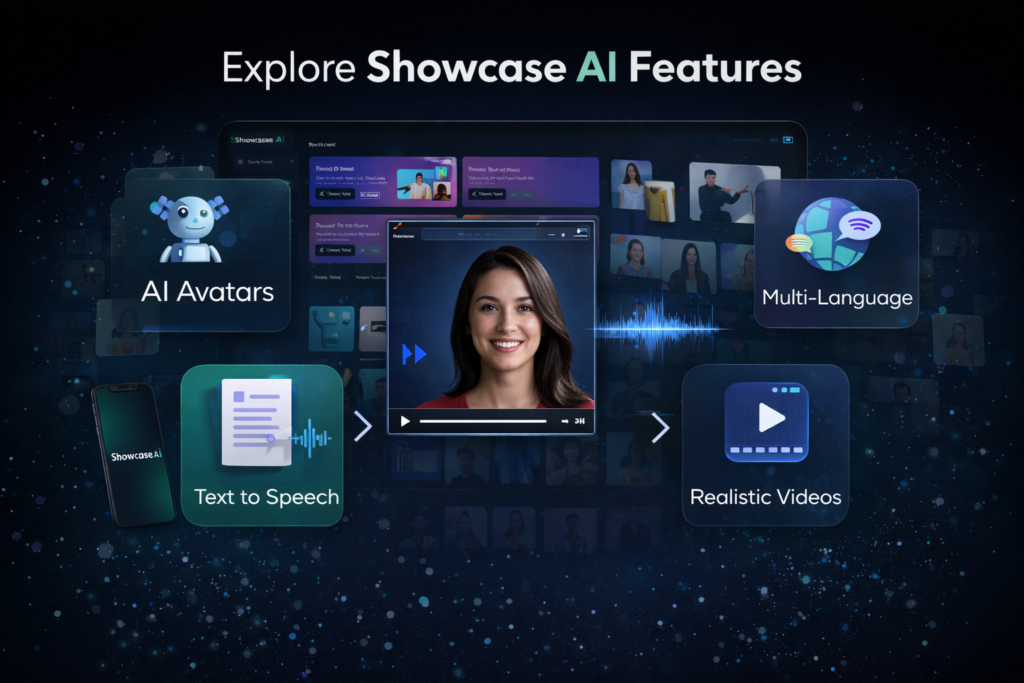
When people hear “AI video tool”, they usually imagine something basic: a talking head, a robotic voice, and a few templates.
Showcase AI is very different.
It’s not just one feature wrapped in a nice interface. It’s a complete AI video production system designed specifically for marketing, advertising, and content creation.
If you want a complete breakdown of benefits, pricing, pros and cons, you can read the full Showcase AI Review here.
In this page, I’ll walk you through all the core features of Showcase AI, what they actually do in real life, and how each one fits into practical business use.
Not hype. Just real functionality.
1. Talking Avatar Videos
This is the feature most people fall in love with first.
With Showcase AI, you can upload a single photo and turn it into a realistic talking avatar that speaks your script with natural expressions and lip sync.
You don’t need:
- A camera
- A microphone
- Good lighting
- Confidence in front of the camera
You just need one decent image.
What you can use it for:
- YouTube intros
- Explainer videos
- Personal branding
- Course lessons
- Review videos
- Social media content
Here’s what most people don’t realize: humans trust faces more than text. Even a simple talking avatar creates instant emotional connection, which dramatically improves engagement.
For introverts, faceless creators, and busy professionals, this feature alone replaces the entire filming process.
2. Product Avatar Videos
Product Avatar Videos take things one step further.
Instead of a person just talking, Showcase AI lets you create an avatar that presents and explains a product naturally, as if a real spokesperson is demonstrating it.
This is extremely powerful for:
- Affiliates
- Dropshippers
- E-commerce stores
- SaaS products
- Digital tools
You can create:
- Product reviews
- Feature breakdowns
- Demo-style videos
- Sales videos
Without filming anything.
In simple terms, this feature lets your product “sell itself” through a human-like presenter.
3. Product Showcase Videos
This is where Showcase AI becomes visually impressive.
Product Showcase Videos turn static product images into cinematic, studio-style visuals with:
- Motion
- Lighting
- Depth
- Background effects
- Camera angles
Even if all you have is:
- One product image
- Or a basic mockup
You can generate videos that look like:
- Professional brand commercials
- Kickstarter-style promos
- High-end ad creatives
This feature is perfect for:
- Shopify stores
- Amazon sellers
- Landing pages
- Paid advertising
It dramatically increases perceived product value.
4. AI Ad Video Generator
This is one of the most underrated features inside Showcase AI.
The AI Ad Video Generator doesn’t just animate images. It actually:
- Generates scripts
- Selects avatars
- Adds voice
- Produces full ad creatives
You can literally go from:
“I need an ad for this product”
to
“Here’s my finished video ad”
In minutes.
This is incredibly useful for:
- Facebook ads
- TikTok ads
- YouTube pre-roll
- Instagram Reels
Instead of spending days brainstorming creatives, you can generate multiple ad versions in one session and test what works.
For marketers, this is a massive competitive advantage.
5. Virtual Try-On Videos
The Virtual Try-On feature is designed mainly for fashion and accessories.
It allows you to:
- Place clothing on AI models
- Animate outfits naturally
- Create try-on videos without real photoshoots
This is ideal for:
- Clothing brands
- Print-on-demand stores
- Fashion influencers
- Digital catalogs
Customers can see:
- How clothes move
- How they fit
- How they look in motion
Which increases trust and reduces return rates.
6. AI Voice Generator
Every video needs a voice, and Showcase AI includes a built-in AI voice generator with multiple tones and styles.
You can choose:
- Male or female voices
- Different accents
- Different speaking speeds
- Different emotions
This lets you match the voice to:
- Your brand personality
- Your audience
- Your content style
No need to hire voice actors or record anything.
7. AI Voice Clone (Pro Feature)
This is where Showcase AI becomes personal.
With Voice Cloning, you can upload a short voice sample and let the system replicate your voice across all future videos.
That means:
- Your brand always sounds like you
- Your content stays consistent
- You don’t need to record again
For personal brands, coaches, and educators, this is one of the most powerful features in the entire platform.
It turns AI videos into your digital voice twin.
8. Video Templates & Ready-Made Avatars
Showcase AI comes with a large library of:
- Pre-built video templates
- Ready-made avatars
- Product styles
- Ad formats
This is important because:
- You don’t start from scratch
- You don’t need design skills
- You don’t need creative inspiration
You simply pick a template, customize the script, and generate.
This makes the platform extremely beginner-friendly.
9. Multi-Language Support
Showcase AI supports multiple languages, which means you can:
- Create videos for international audiences
- Translate your content easily
- Expand into new markets
This is especially valuable for:
- Global brands
- Affiliates targeting different countries
- Agencies with international clients
You can scale content across borders without hiring translators or voice actors.
10. Credit-Based System
Instead of charging per feature, Showcase AI uses a credit system.
Each video costs a certain number of credits depending on:
- Length
- Style
- Complexity
This system is flexible because:
- You control how much you spend
- You only pay for what you use
- One-time credits don’t expire
It’s much fairer than fixed monthly limits.
11. User-Friendly Interface
One of the biggest hidden features of Showcase AI is the interface itself.
There is:
- No complex dashboard
- No timeline editor
- No technical setup
The workflow feels more like:
Upload → Customize → Generate → Download
This makes it accessible for:
- Non-tech users
- Business owners
- Beginners
- Coaches
- Freelancers
If you’ve ever used Canva, you’ll feel comfortable here.
12. Commercial Usage Rights
Videos created with Showcase AI can be used for:
- Ads
- Client work
- YouTube channels
- Social media
- Sales pages
- E-commerce stores
You’re not restricted to personal use.
This makes the platform suitable for:
- Agencies
- Freelancers
- Affiliate marketers
- Entrepreneurs
You can directly monetize the output.
Final Thoughts on Showcase AI Features
To be honest, what makes Showcase AI special isn’t just one feature.
It’s the combination of:
- Speed
- Automation
- Marketing focus
- Business usability
Most AI tools feel like experiments.
Showcase AI feels like a real production system.
It removes:
- Filming
- Editing
- Hiring
- Technical stress
And replaces them with:
Images + Scripts + One Click
If your goal is to create content faster, test more ideas, and scale your online presence without burning out, the features inside Showcase AI are more than enough to support that.
This is not a “fun AI toy”.
It’s a practical tool built for real-world digital business.
If you want to see the platform in action before deciding, you can watch the full Showcase AI demo here.
To compare plans and understand what’s included in each option, visit the Showcase AI pricing page.